
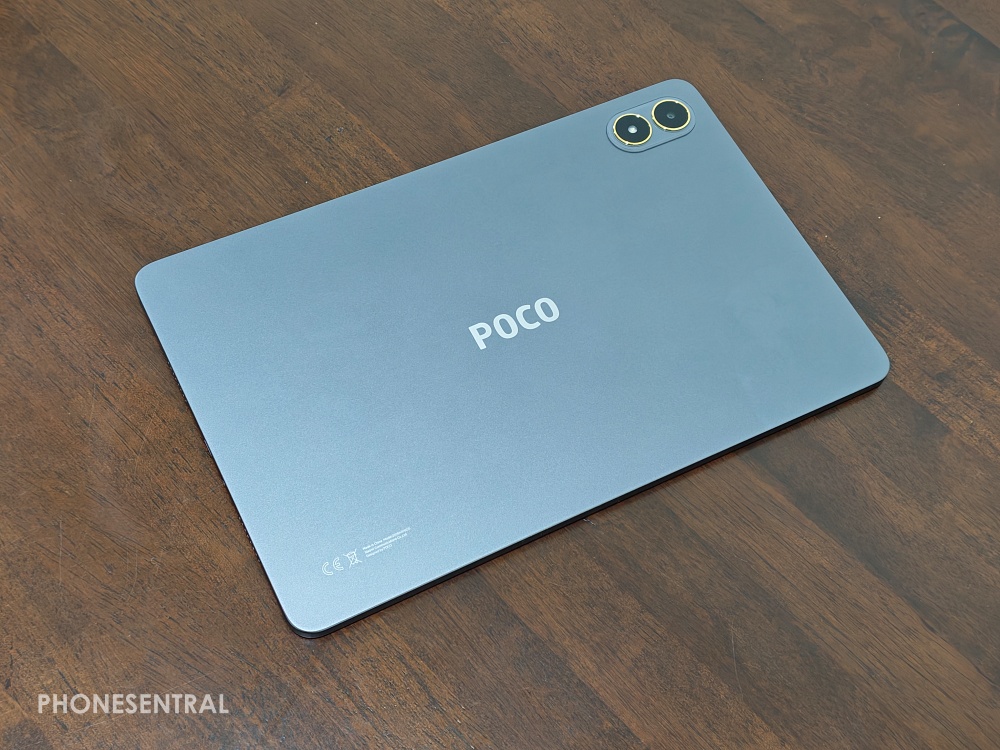
Ever since POCO stepped into the tablet world, they’ve been trying to replicate that “flagship killer” magic they have with phones.
After spending a solid week with the POCO Pad M1, I’m ready to share if this is actually a bargain or just an oversized phone without a SIM slot.
The mid-range tablet market is crowded right now, but the M1 has a few tricks up its sleeve that made even a tech skeptic like me look twice.
Main Highlights
The POCO Pad M1 is clearly designed for two types of people: students on a budget and Netflix “marathoners.” This is sort of obvious since they don’t bother to pair it with any keyboard or pen, someting I do wish they did.
Nonetheless, the big wins here are the massive 12.1-inch 2.5K screen, a battery that refuses to die (a record-breaking 12,000mAh), and – bless the tech gods – a 3.5mm headphone jack. It’s a rare combination in 2026 that makes it feel very user-focused.
Design, Body, and Durability
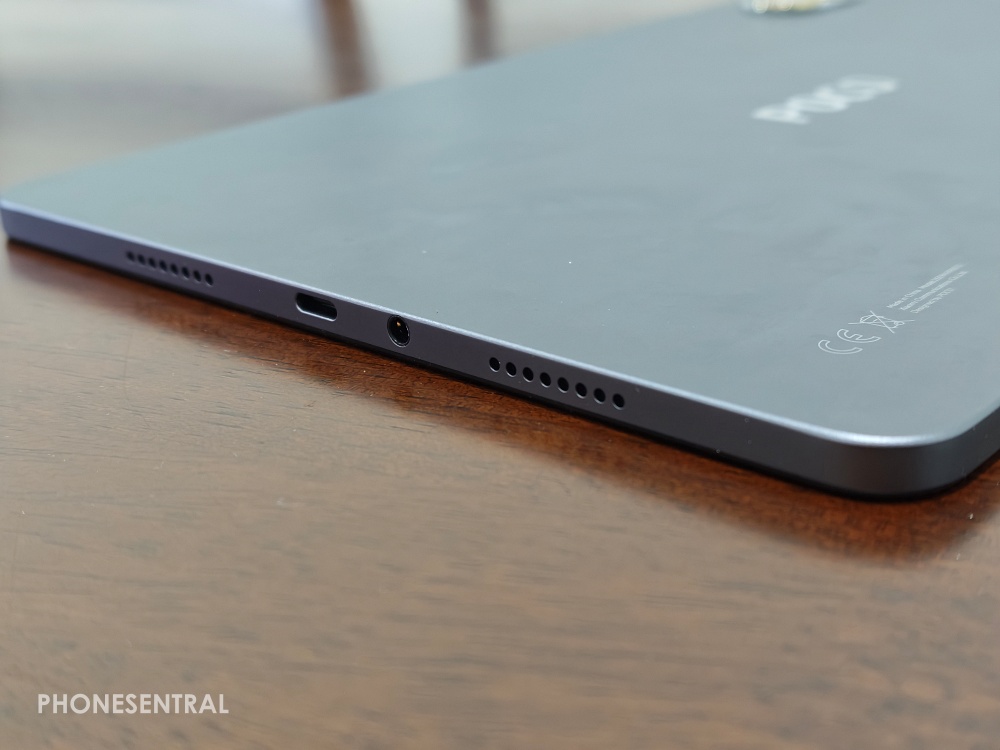
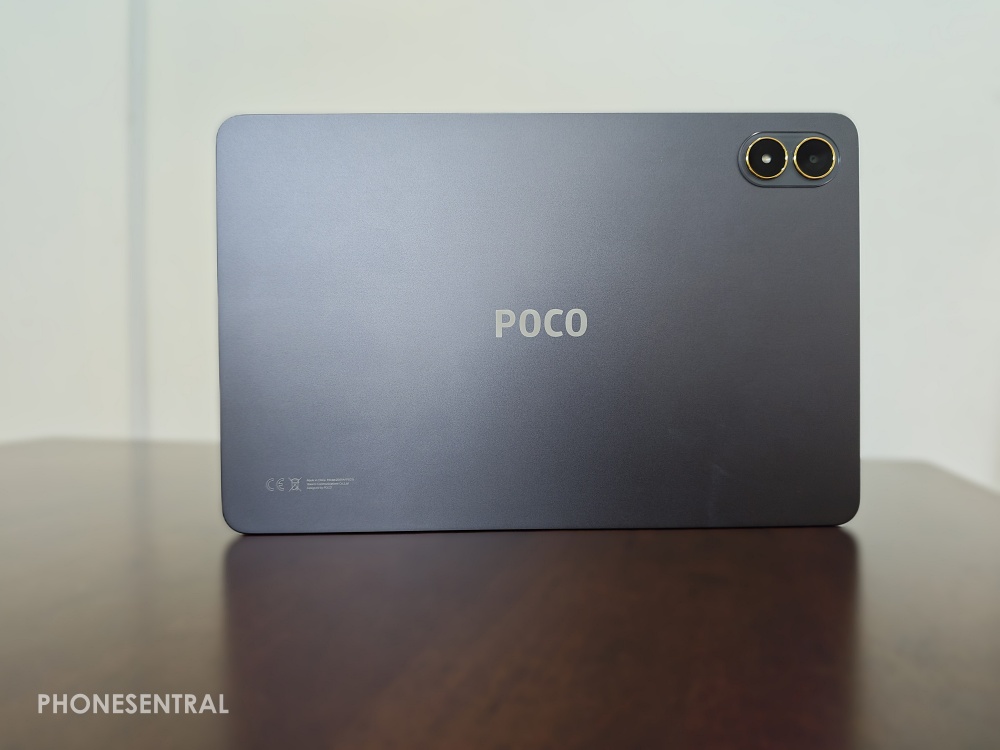
The first thing you’ll notice is the aluminum unibody. Metal just feels better than plastic; it’s sturdy and doesn’t creak when you try to flex it, giving it a high-end structural integrity.
It is thin at 7.5mm, but it has a bit of weight at 610g, so you will definitely feel it in your backpack.
One minor annoyance I found is the lack of a fingerprint scanner; you are relying on the camera’s Face Unlock or a classic PIN, which feels a bit dated for a tablet launched in late 2025.
Screen & Display
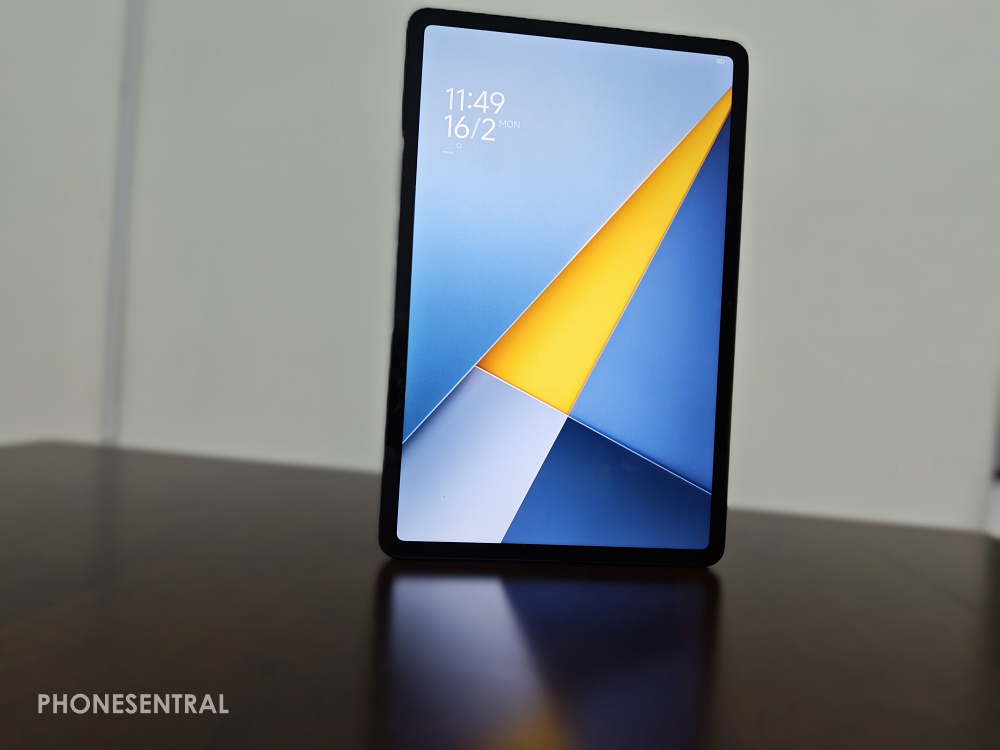
POCO went big here with a 12.1-inch display.
The 2.5K resolution is sharp enough that even tiny fonts are legible when reading ebooks. Watching 4K YouTube videos is a joy, and the support for over a billion colors gives visuals a nice “pop.”

However, since it is an LCD and not an OLED, the blacks aren’t perfectly “inky” dark.
Also, while it hits 600 nits of brightness, it might struggle slightly if you are trying to read under the bright Malaysian sun at an outdoor cafe so stick to the shade for the best experience.
Audio System
This is where the “M” in M1 should stand for Music.
You get Quad Speakers with Dolby Atmos that are surprisingly loud.
In fact, it has a “300% volume boost” feature that actually fills a room without sounding like a tin can.
Whether you are gaming or catching up on your favorite tech videos, the sound is immersive.
Plus, having that headphone jack means you don’t need to worry about Bluetooth lag or keeping your earbuds charged.
Processor, RAM & Storage
Under the hood is the Snapdragon 7s Gen 4.
For daily scrolling, joining video calls, or multitasking with split-screen, it is buttery smooth.
However, I’ll be honest: it is not a “hardcore” gaming tablet. You can play Genshin Impact or PUBG Mobile, but you will want to keep the graphics at “Medium” to avoid any stutters.
The 8GB of RAM and 256GB of storage is plenty for most, but the microSD slot that supports up to 2TB is a huge win for those who like to download entire seasons of shows for long travels.
Software
It runs on Xiaomi HyperOS 2.
If you already use a POCO or Xiaomi phone, the “Interconnectivity” features are great.
If you are using the POCO F8 Ultra like I am when testing this tablet, integration for hotspot sharing is just one of the many perks which include auto drop.

You can literally drag an image from your phone and “drop” it onto the tablet screen or even take calls from your tablet.
Overall, the software feels modern and clean, though there are still some pre-installed apps that you will likely spend five minutes deleting as soon as you turn it on.
Camera
Let’s be real: who takes professional photos with a tablet?
The 8MP rear and 8MP front cameras are strictly for the basics.
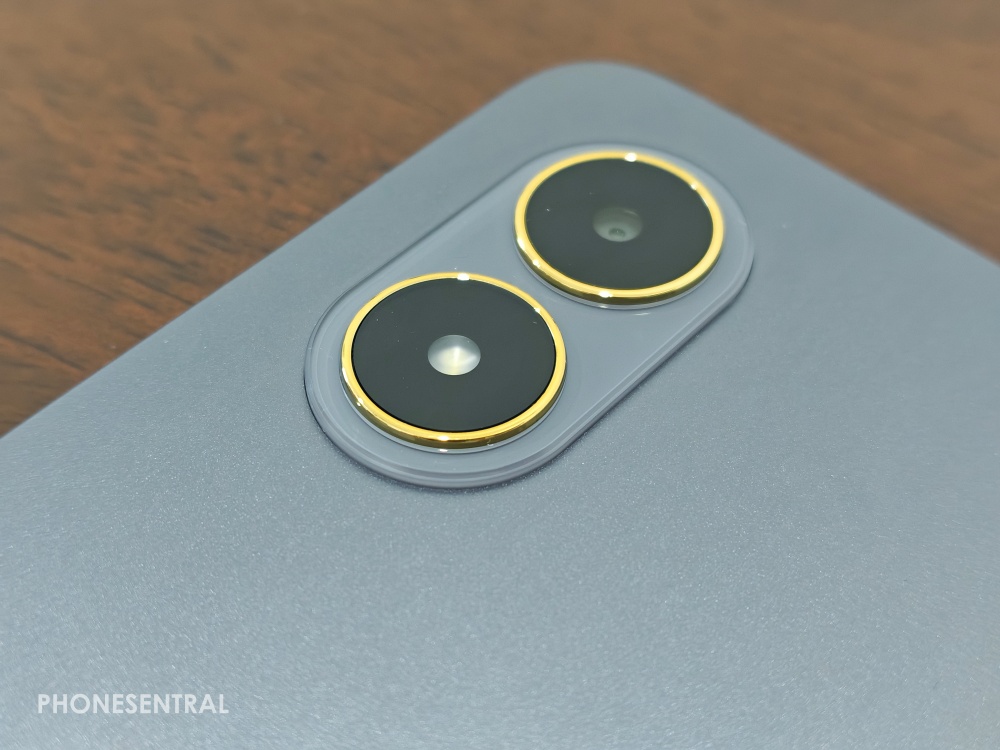
The front camera is placed on the long side (landscape mode), which is perfect for video calls so you don’t look like you are staring off into space.
It is great for scanning documents or a quick Zoom meeting, but don’t expect to use this for your next Instagram masterpiece.
Below are some images taken using the tablet camera.
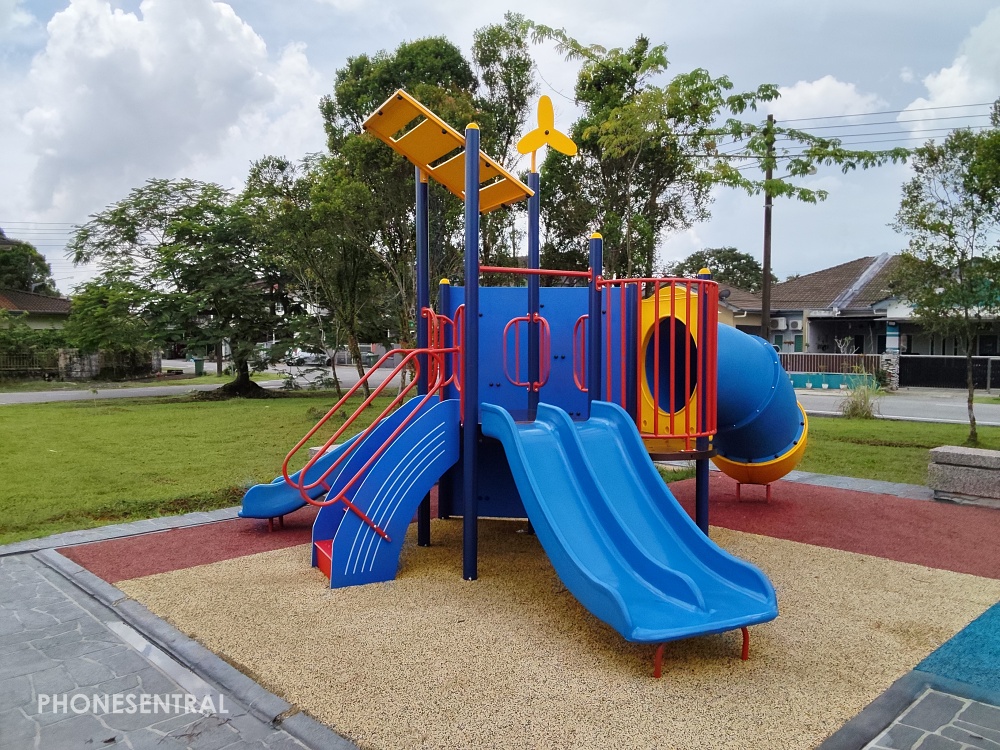

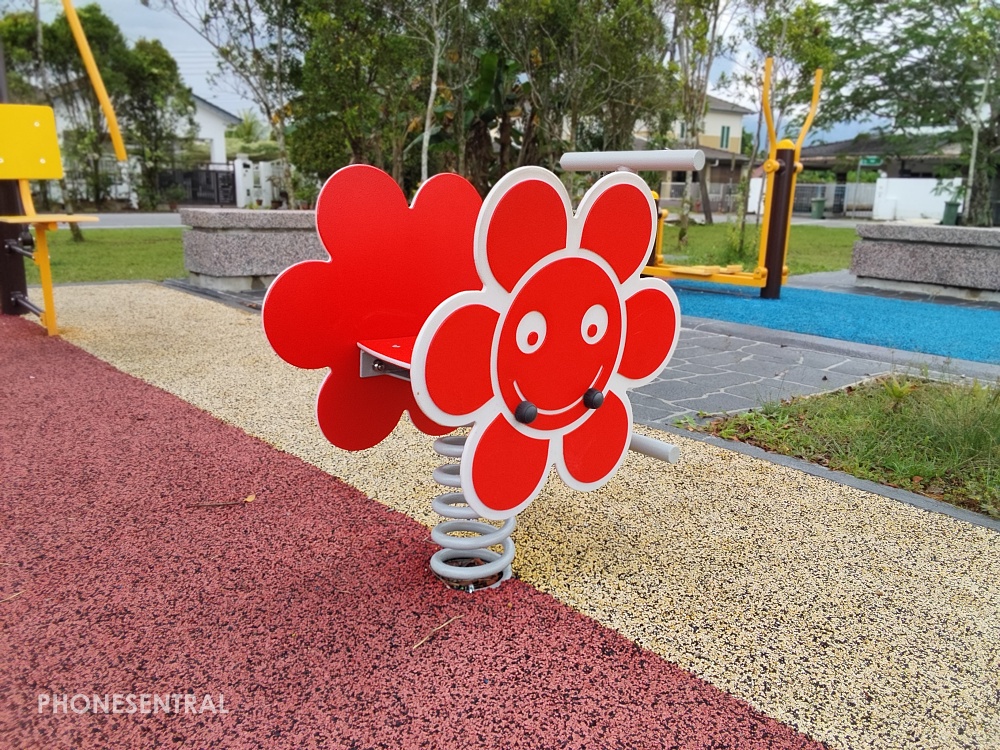





Overall, its a decent camera, but since taking photos with a tablet is already quite a task, making them really instagram worthy is also another task.
When taking videos, it’s also another task as seen in my video here or as seen below.
Battery
This is the “King” feature. A 12,000mAh battery is massive – the largest POCO has ever put in a device.
In my testing, I got nearly 14 hours of continuous video streaming. You can easily go 3 or 4 days without charging if you are just a casual user.
It supports 33W charging, which is decent, but because the battery is so huge, it still takes about 2 hours for a full charge.
A cool bonus is the 27W reverse charging, allowing the tablet to act as a power bank for your phone in an emergency.
Conclusion and Where to Buy
The POCO Pad M1 is a solid, honest mid-range tablet. It doesn’t pretend to be a professional workstation, but for RM1,199, it is easily one of the best entertainment screens you can buy right now, just as how I usually use my iPad.
If you want a giant screen for movies and a battery that never ends, and also to browse the internet, read news and do basic work, this is a steal.
You can find it on the Xiaomi Official Store on Shopee or Lazada, and keep an eye out for sales where it often drops to RM999!
> SEE LATEST POCO PAD M1 PROMOS